Your average latency looks fine. Your p50 is 45ms. Your p75 is 80ms. Your dashboards are green. Then a customer emails to say their report generation has been timing out intermittently for the past week, and when you go digging, you find your p99 sitting at 4.2 seconds — a number nobody's been watching because it didn't show up in the headline metric.
p99 latency is the request response time at the 99th percentile: 99% of your requests complete in less than this value, and 1% take longer. On a service handling 10,000 requests per minute, that 1% is 100 requests every minute experiencing the slow path. It's not a rounding error. It's a steady stream of your users hitting a wall.
Why p50 and p95 lie to you
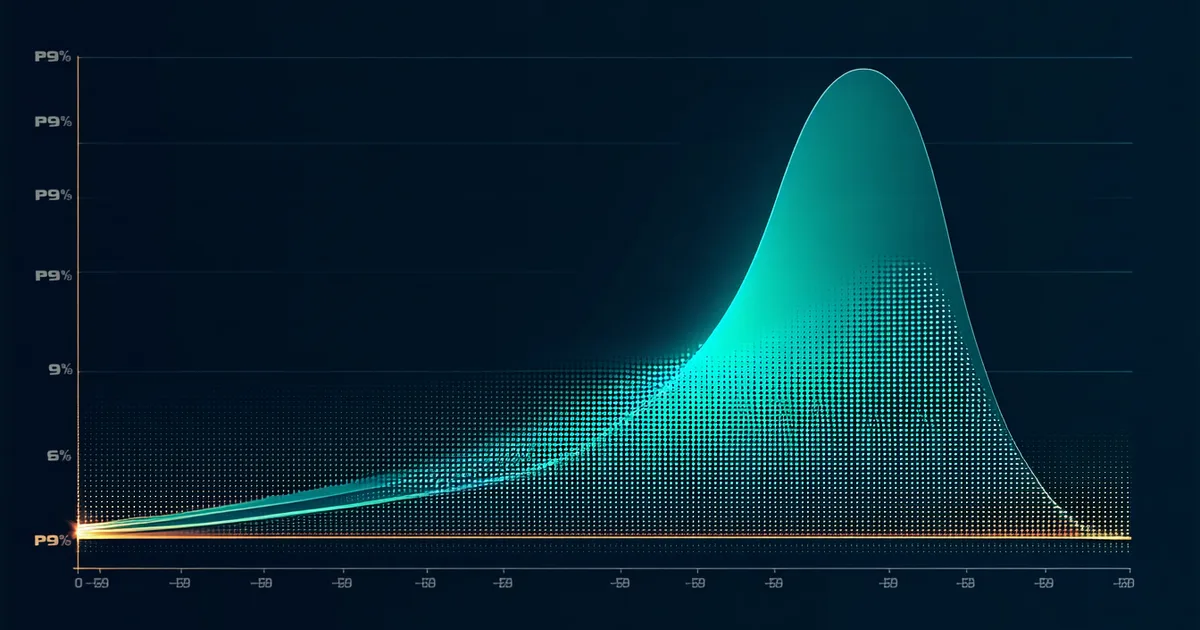
The appeal of average and p50 latency is obvious: they're stable, they're easy to interpret, and they track the "typical" user experience. The problem is that latency distributions in real distributed systems are not bell curves. They're multimodal. There's a fast path most requests take, and a slow path that a minority hit — but that minority is often systematic, not random.
p95 is better than p50, but it still misses the regime where the most interesting things happen. The difference between p95 and p99 is where you find: garbage collection pauses accumulating into long-tail requests, connection pool exhaustion for requests unlucky enough to arrive during the contention window, read replicas lagging during write bursts causing read-your-writes violations, and cold-start latency for requests hitting an auto-scaled pod that just came online.
Each of these causes a latency distribution with a long right tail. The p50 and p95 reflect the fast path. The p99 and p999 are where you see the pathological cases — and pathological cases are exactly what your SLO is protecting against.
The p99 as an incident early warning system
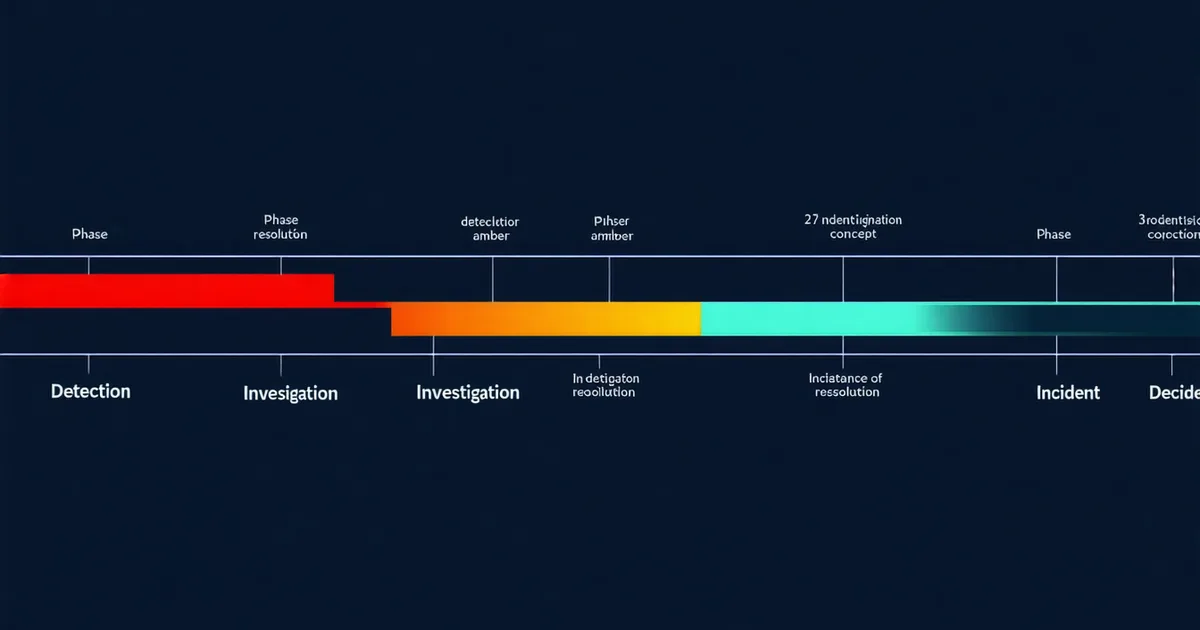
Here's a pattern that appears frequently in incident postmortems: the p99 climbed for 20–40 minutes before any other metric showed an anomaly. Error rate was flat. p50 was stable. Pod CPU usage was normal. But the p99 was slowly trending up — from 200ms to 400ms to 800ms — because a downstream database was starting to experience lock contention during a background migration job.
Because no alert was watching p99 specifically, nobody saw it. When the database finally became fully contended and error rate spiked, the p99 had already been elevated for half an hour. That half-hour window is where intervention is cheapest: abort the migration, scale the read replicas, add a circuit breaker. By the time the error rate alert fires, you're in full incident mode.
Take a realistic scenario: a logistics platform running a route optimization service. The service calls a graph computation engine which, under normal load, responds in 50–120ms. Occasionally, when the graph has a large number of nodes (during peak shipping season), the computation takes 3–8 seconds. The p50 and p95 look fine because large-graph requests are rare. The p99 sits at 3.8 seconds. The SLO says 99% of requests should complete in under 500ms. The burn rate is consuming error budget slowly, invisibly, every day — until peak season hits and volume increases enough that the slow-path requests become the majority, the p99 climbs to 12 seconds, and the service effectively stops responding for a large portion of users.
The p99 was the signal. It was there for weeks before the outage.
Instrumenting p99 correctly
The most common mistake teams make is using summary metrics instead of histograms. Prometheus summary metrics calculate quantiles client-side over a sliding window. This means you can get a p99 reading, but you can't aggregate it across instances. If you have 10 pods and you want the p99 across all traffic, you can't average the per-pod p99 values — that's not how quantiles work. You need histograms.
With histogram_quantile(0.99, rate(http_request_duration_seconds_bucket[5m])) in Prometheus, you get a true p99 computed from the bucket distribution across all instances. The buckets matter: you need to define bucket boundaries that give you resolution in the range where your SLO lives. Default buckets often have poor resolution at the boundaries that matter for your specific service.
For a service with a 200ms SLO, buckets like [.01, .05, .1, .15, .2, .25, .3, .5, 1.0, 2.5, 5.0] give you useful resolution. Generic default buckets like [.005, .01, .025, .05, .1, .25, .5, 1, 2.5, 5, 10] may not have a bucket boundary near your SLO threshold, which means your p99 calculation is interpolated rather than exact.
p99 and cardinality: the trap
Once teams understand the value of p99, there's a temptation to instrument it everywhere: per-endpoint, per-user-tier, per-region, per-customer-ID. Customer-ID level latency metrics are genuinely useful — knowing which customer is experiencing the slow path is actionable information. But adding customer ID as a label to a histogram metric creates a cardinality explosion. If you have 10,000 customers and 20 histogram buckets, you have 200,000 time series just for that one metric.
We're not saying high-cardinality latency metrics are wrong. They're sometimes the right tool. But they should be routed through systems designed for high cardinality (Honeycomb, Grafana Tempo's tag-based queries, or similar) rather than pushed into a Prometheus instance that will OOM trying to store and query them. The rule of thumb: use histograms with coarse labels for alerting and SLO tracking; use trace data with high-cardinality attributes for per-request investigation.
What p99 tells you about your SLO margin
The relationship between p99 latency and SLO error budget is direct. If your SLO states that 99% of requests must complete in under 500ms, your p99 is your SLO indicator. Every time p99 exceeds 500ms, you're burning error budget. If p99 sits at 480ms, you have almost no margin — a small perturbation (a GC pause, a deployment, a noisy neighbor on the node) will push you over.
Tracking p99 against your SLO threshold as a ratio — not just as an absolute number — gives you a more useful signal. A p99 of 300ms against a 500ms SLO is healthy. A p99 of 490ms against the same SLO is brittle. They look different on a chart, but the absolute number alone doesn't tell you the risk. The ratio to the SLO boundary does.
Set your p99 alert threshold at roughly 80% of your SLO boundary, with a 5-minute evaluation window using burn rate. This gives you early warning before the SLO violation happens, rather than an alert that fires only after you've already breached the objective. The engineers who've had the worst outages watch p99; the engineers who prevent outages watch p99 relative to the SLO boundary they're protecting.
Connecting p99 to the rest of your signal stack
p99 latency in isolation is useful. p99 latency correlated with what changed in your environment in the preceding 10 minutes is actionable. The value of tail latency as an incident indicator multiplies when you connect it to your change stream: Helm upgrades, config map changes, traffic shifts, dependency updates.
A p99 spike immediately after a deployment is a very different investigation from a p99 spike with no preceding change. The former points you directly at the deployment. The latter requires you to look at your dependencies, your infrastructure layer, or your traffic pattern. Having the change context attached to the latency signal at alert time — rather than requiring the on-call engineer to go hunting through deployment logs at 3am — is where tail latency monitoring graduates from diagnostic tool to incident prevention system.